🔑 Permissions & Roles
Whether you run a fund solo or with a team, the permissions system controls who can do what.
Whether you run a fund solo or with a team, the permissions system controls who can do what.
Roles
There are two roles. Manager: administers the fund, can invite investors, calculate NAV, settle liabilities, manage settings, and perform on-chain operations. Investor: views their investment details, deposits capital, and requests redemptions. Investors cannot access administrative functions.
Inviting additional managers
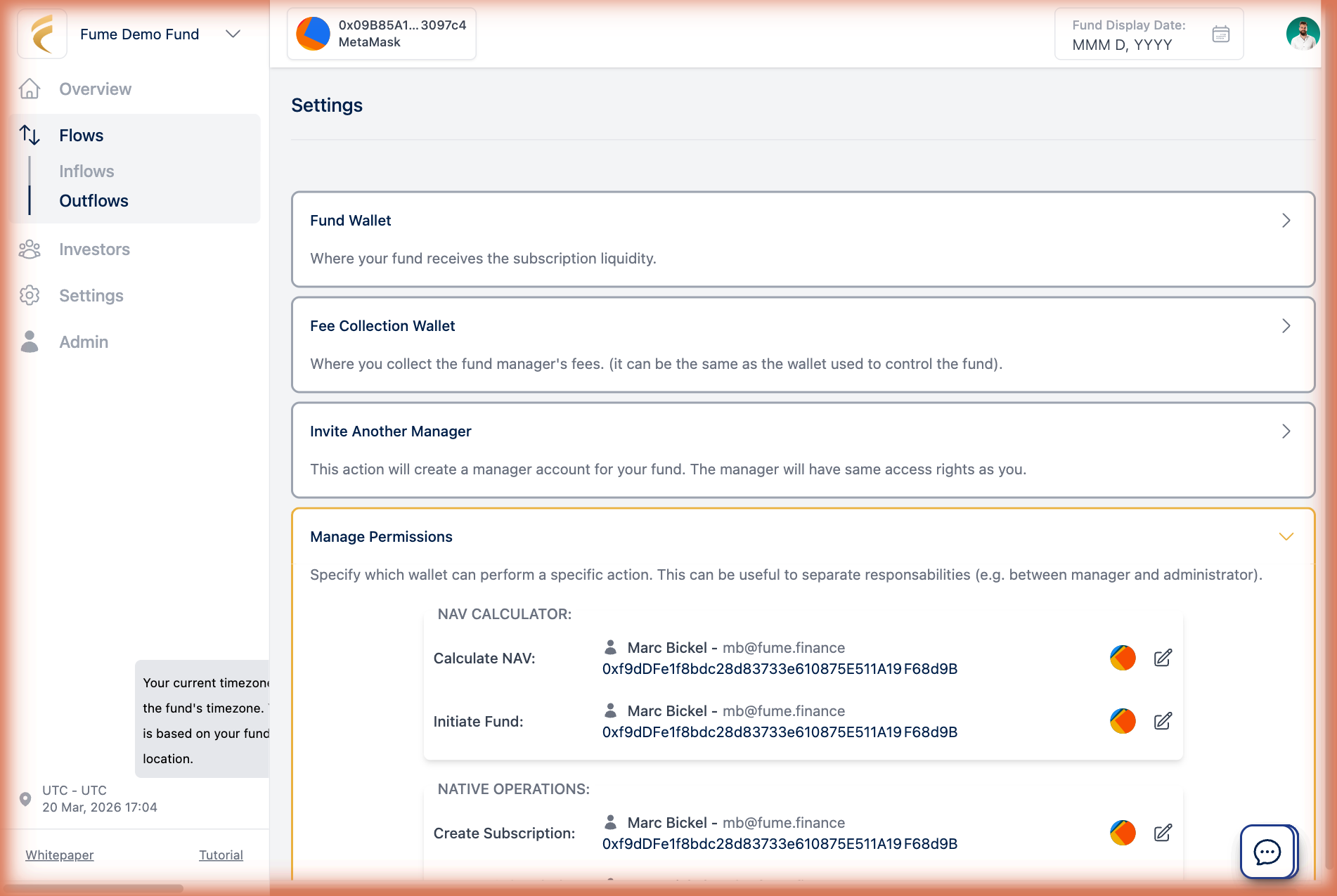
Go to Settings and invite a manager by email. You choose which wallet they will use for on-chain interactions, or let Fume create an embedded wallet for them. They receive an email invitation to join.
Per-function permissions
For multi-manager funds, you can control exactly which operations each manager wallet is allowed to perform. From Settings > Permissions, assign specific smart contract functions to specific wallets. For example, one manager whitelists investors and manages subscriptions, another runs NAV calculations and settles fees, a third has read-only access to monitor the fund. This authorization is enforced on-chain. Even if someone accesses the platform, they cannot execute operations their wallet is not authorized for.
What investors see
Investors see a simplified view of the platform. They can check their investment, track performance, deposit capital, and request redemptions. The sidebar and available actions are filtered by role, so no administrative features are shown.