🎨 Fund Customization
Customize your fund's appearance on the platform and how you communicate with investors.
Customize your fund's appearance on the platform and how you communicate with investors.
Branding
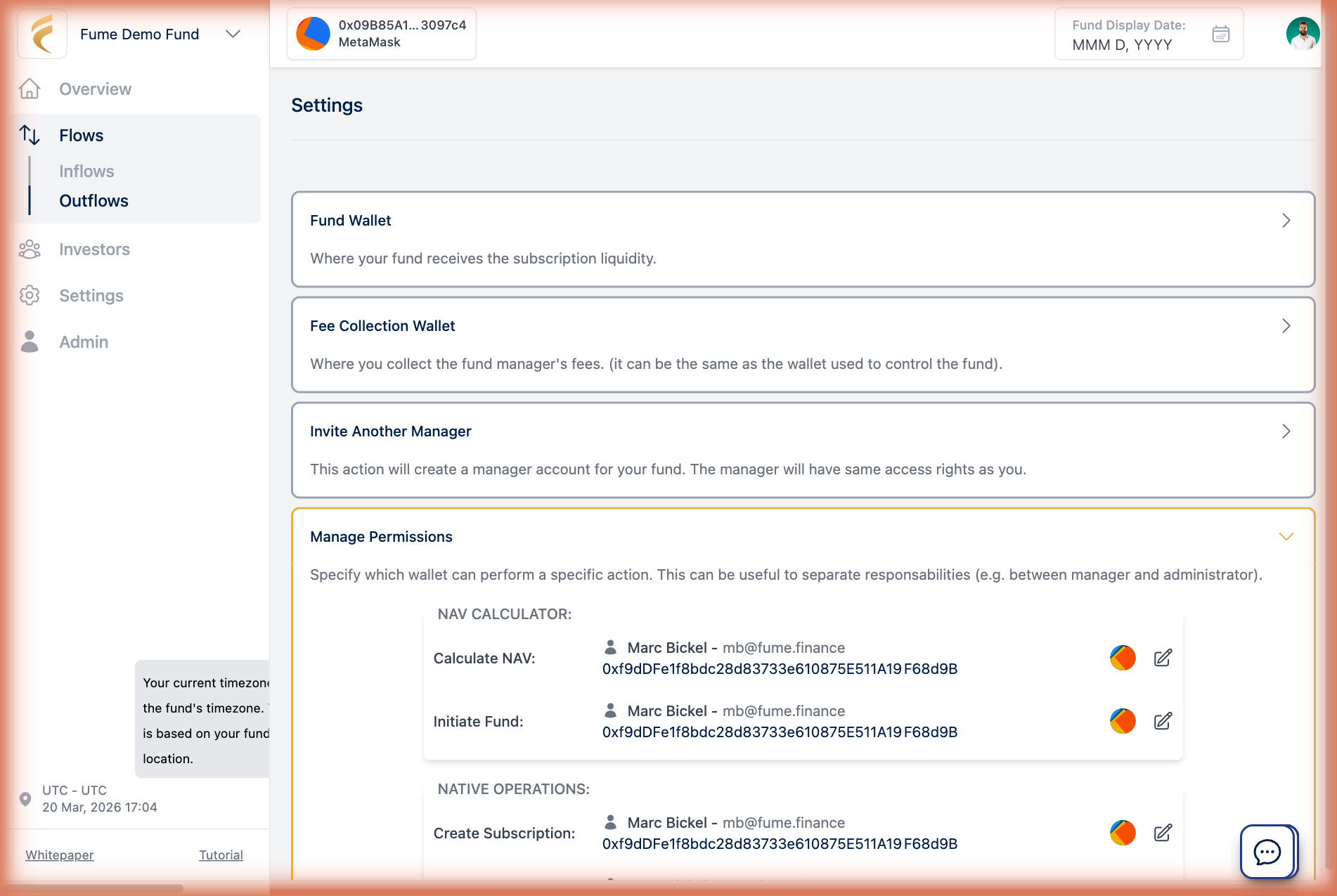
From the Settings page, set primary and accent colors to match your brand. These apply across the platform wherever your investors interact with the fund. You can also upload your fund's logo. It appears on the platform and in emails.
Email settings
Fume sends investor notifications (subscription confirmations, NAV updates, etc.). You can control the Sender Name (the name that appears in the "From" field), the Reply-To Address (where investor replies go, so they reach you instead of a generic address), and which email templates your fund sends. Emails go through a queuing system with automatic rate limiting and retries, so delivery is reliable even with many investors.
Investor messaging
Display custom messages on your fund's page for announcements or notices. Messages can also trigger email notifications.
Live support
Enable a Telegram widget on your fund's page. A chat icon appears, letting investors reach you directly with questions.
Subscription plans
Fume has two plans (Starter and Pro) with different feature levels and pricing. Manage your plan from Settings. If your subscription expires, you will see a prompt to renew or upgrade.